
Dogecoin Full Node in a Nutshell
Well, in a container using X forwarding...

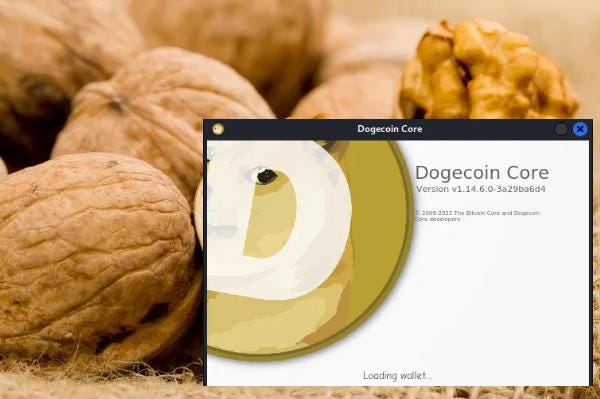
Herro fearless Dogecoin enfrusiasts,
I’ve been playing with containers as of late so I thought it’d be good to share the method that I use to run a minimal Dogecoin Core Full Node from a container.
This article describes how to run a Dogecoin Core with very little overhead on a Linux server inside a LXC container with no GUI; but allows you to see the Dogecoin Core application GUI as if you were sitting there (it’s easy- trust me).
So without further ado; let’s do- what you’ll need:
Container software (I’m using Proxmox, but instructions for Docker should be somewhat similiar).
A basic Linux container template image (I’m using Debian 11 for simplicity).
X11 core package (minimal).
The ability to ssh into the container from something.
Da bild:
We’ll start by assuming you are running a headless server (no display monitor) with container software already installed (Proxmox, Docker, etc.).
We’ll create the container and allocate a minimal amount of resources to that instance:
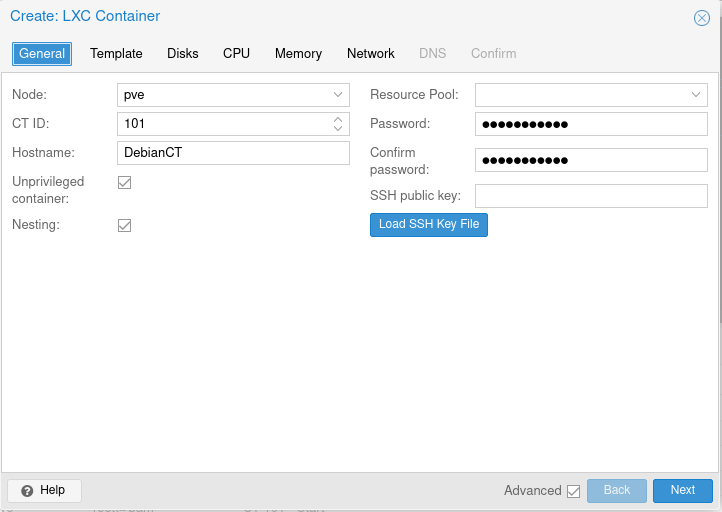
Give the container a name and a password:
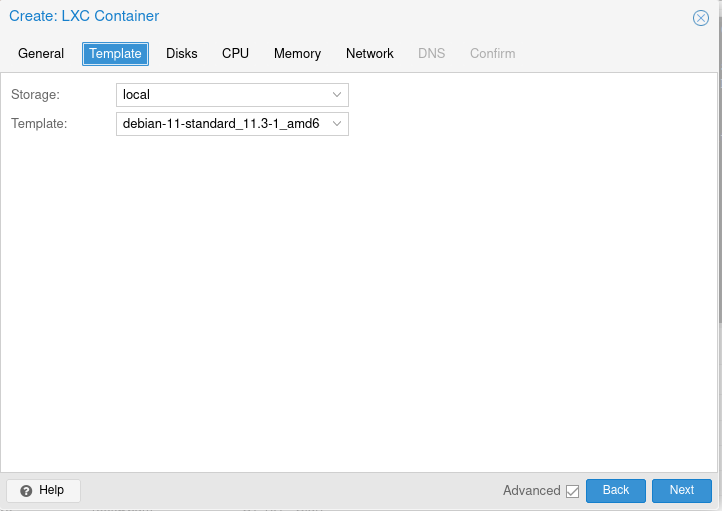
Select an image template (I’m using Debian 11):
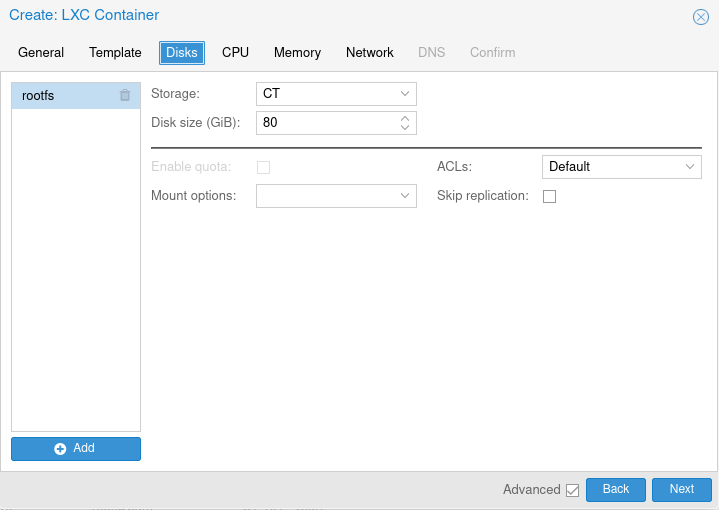
Give the container at least 80 gigabytes of disk space:
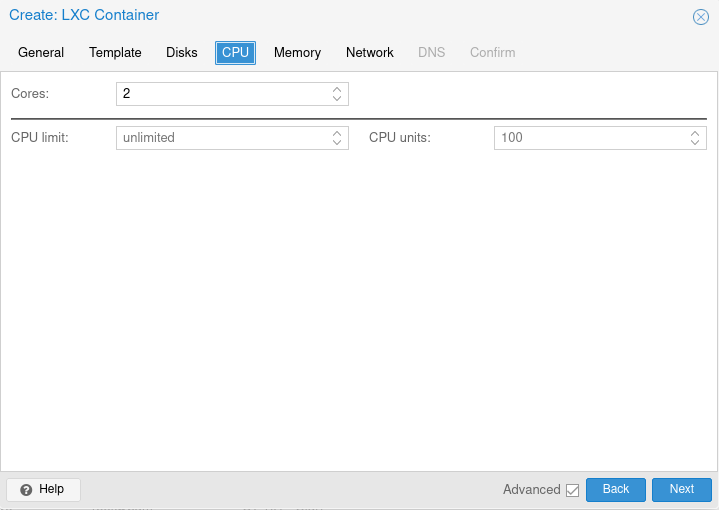
Give the container a minimum of 2 CPU cores:
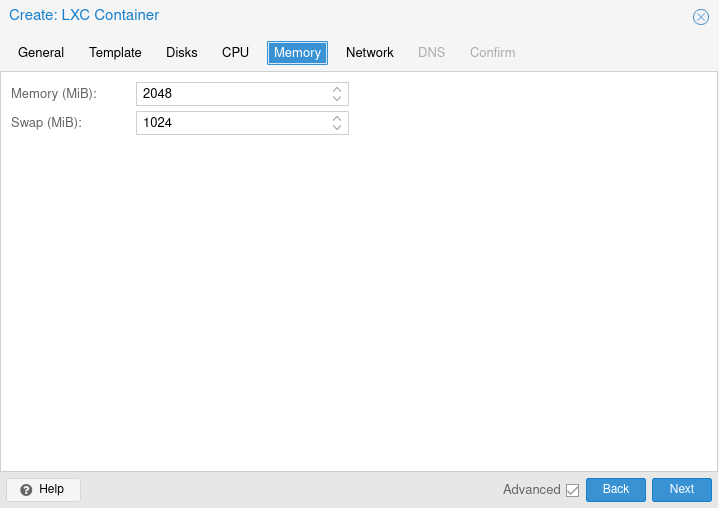
Give the container a minimum of 2 gigabytes of RAM and a 1 gigabyte SWAP file:
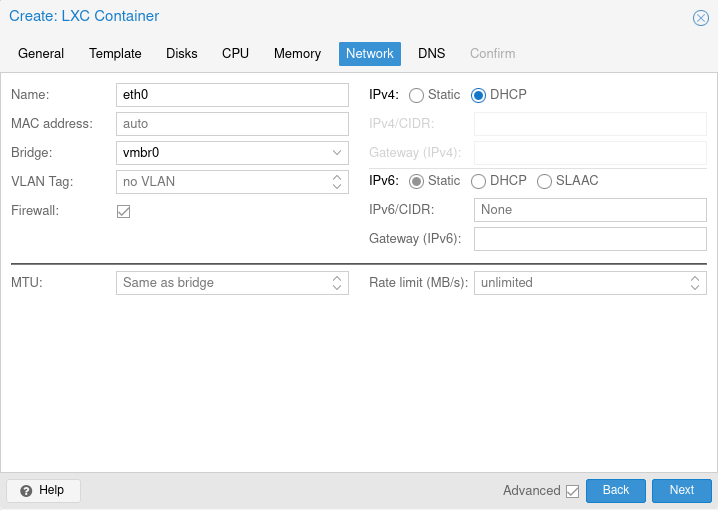
Set network according to your configuration (DHCP for mine with ip reservation):
Create the container and start it.
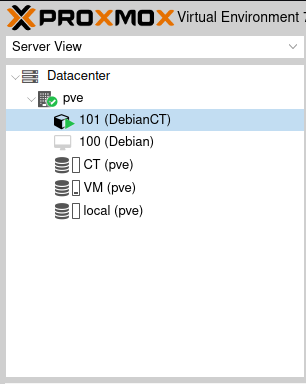
Start the Console of the local container and configure ssh with:
# nano /etc/ssh/ssh_config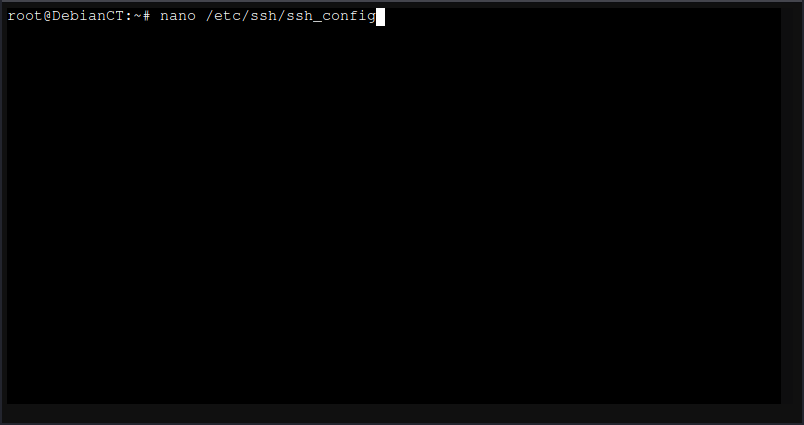
Locate the line for X11 forwarding and uncomment and change to “yes”:
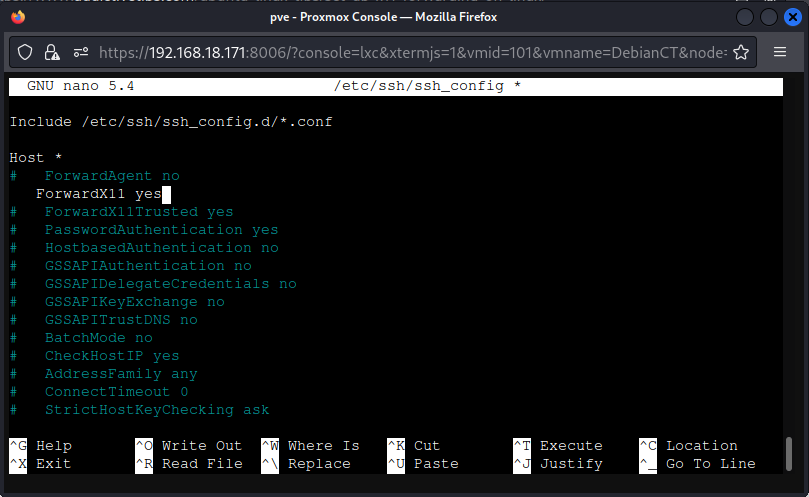
Use apt to update the distribution:
# apt update# apt dist-upgradeInstall minimal X11 core:
# apt install xserver-xorg-coreAdd a user other than root (by default ssh will not permit root remote access):
# adduser (your username)Use wget to grab the current Dogecoin Core Wallet 1.14.6 installation file:
# wget https://github.com/dogecoin/dogecoin/releases/download/v1.14.6/dogecoin-1.14.6-x86_64-linux-gnu.tar.gzExtract the file with tar:
# tar xzf dogecoin-1.14.6-x86_64-linux-gnu.tar.gzInstall the Dogecoin Core Wallet:
# su -c 'install -m 0755 -o root -g root -t /usr/local/bin dogecoin-1.14.6/bin/*'Find the container IP address and make note of it:
# ip aClose the local console and go to your client device you’ll be logging in from and type the following:
# ssh -X -C (your non-root username)@ host ipNOTE: the -X is for initializing the remote application GUI, the -C is for compression to speed things up.
Start the Dogecoin Core Wallet to find which packages you are missing:
# /usr/local/bin/dogecoin-qtSample Output:
“/usr/local/bin/dogecoin-qt: error while loading shared libraries: libxkbcommon-x11.so.0: cannot open shared object file: No such file or directory”
Search the repository with “apt-cache search” to find missing packages required:
# apt-cache search libxkbcommon-x11Sample Output:
“libxkbcommon-x11-0 - library to create keymaps with the XKB X11 protocol
libxkbcommon-x11-dev - library to create keymaps with the XKB X11 protocol - development files”
Use apt to install missing packages:
# apt install libxkbcommon-x11-0 libxkbcommon-x11-devStart the Dogecoin Core Wallet again and repeat the the process until all missing packages are installed;
# /usr/local/bin/dogecoin-qtIf all packages are installed you should see something like this:
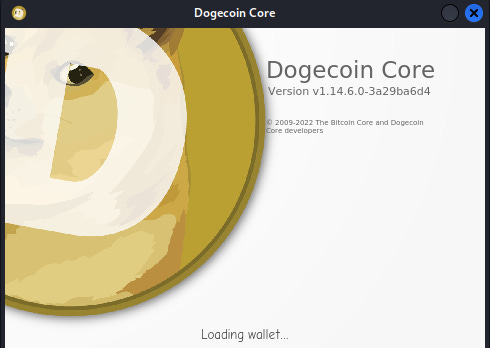
NOTE: It may take a few seconds for the the Dogecoin Core window to appear.
Once the Dogecoin Core Wallet application has started, change the working directory from root to someplace you can access it with your newly created user priveledges (this will be important later when restoring a wallet):
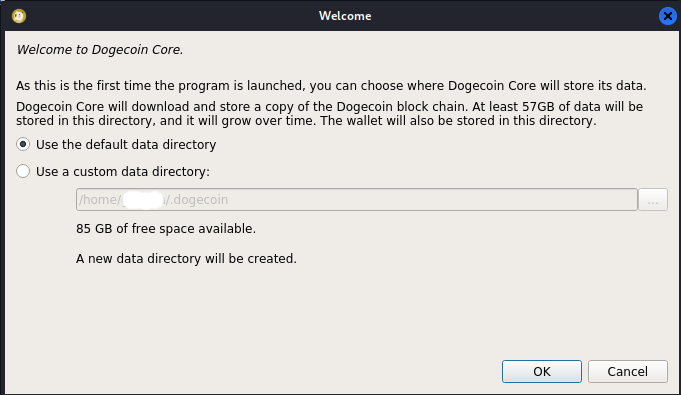
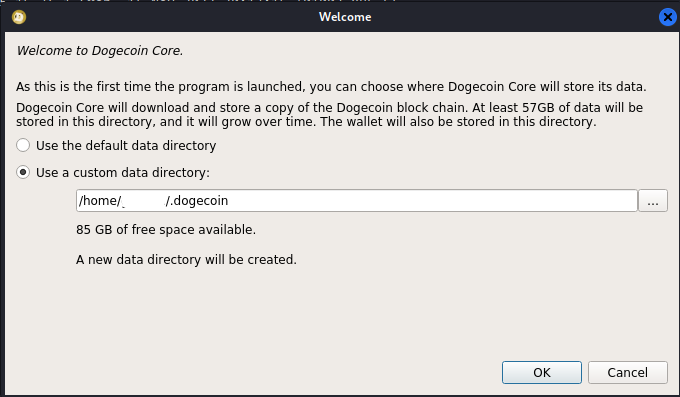
Mine is stored in “/home/username/.dogecoin.”
Once done, click “OK” to start downloading the initial Blockchain:
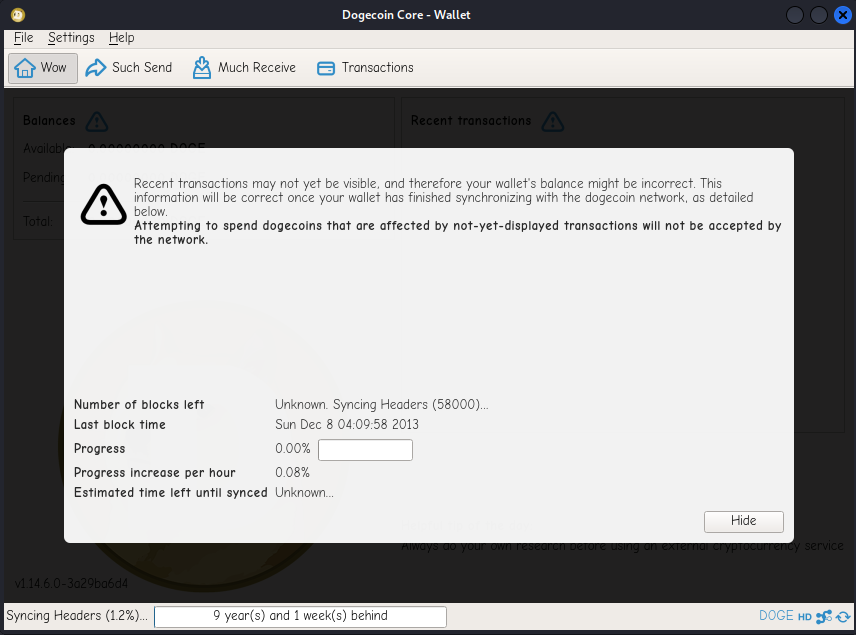
The blockchain will takes some time to download; on average it takes mine about 7-8 hours:
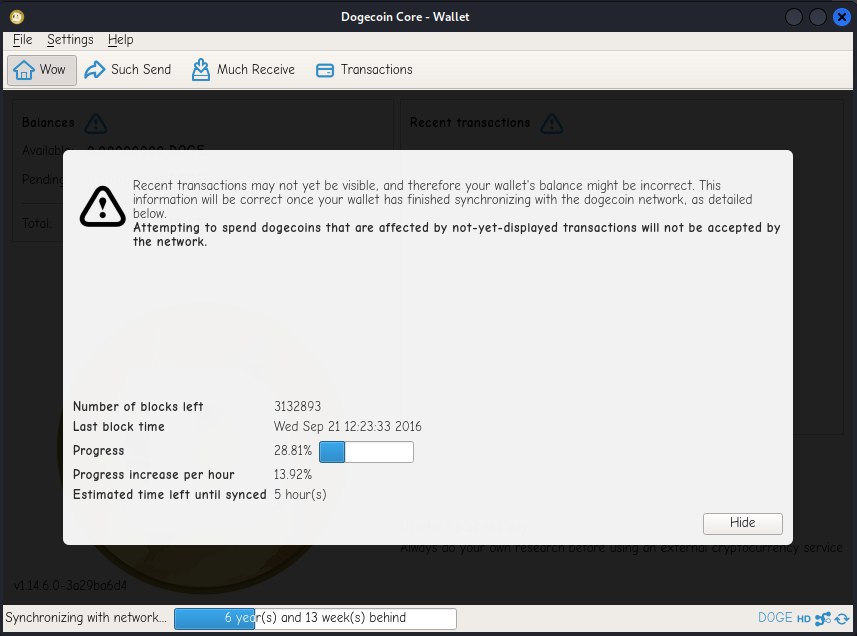
Congratulations! You are now running Dogecoin Core Wallet in a Nutshell- errr…. a Container if you prefer.
If you have a previous Wallet that you would like to restore, proceed with the following:
From your client device log in to your container with “scp” while bringing your wallet.dat file with you:
# scp /path/to/wallet/file.dat username@host_ip:/path/to/.dogecoinRestart the Dogecoin Core Wallet and you should see your existing balance.
Why a Container?
Personally, for a few reasons:
Containers run with very minimal overhead and resources as you can see:
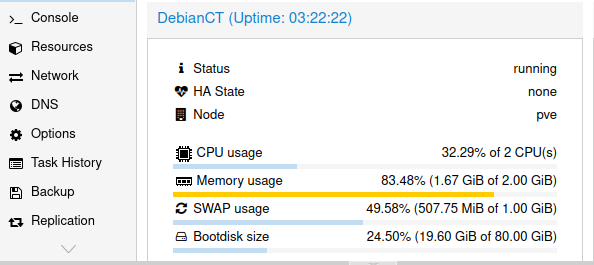
Running on only 2 CPU cores and less than 2 gigabytes of RAM (while downloading initial Blockchain) but more like 500 megabytes of RAM once initial blockchain download has completed.
Secondly, containers run in isolation from the rest of the operating system making them a fairly secure way to keep both your Node and Wallet in operation 24/7 with a little extra layer of security.
Finally, containers are very simple to backup and restore so in the event of a hardware failure, you could spin up the container without having to download the entire Blockchain (which makes them cool).
Much appreciation for taking the time to read this; if you have any thoughts, comments, suggestions, please don’t hesitate to contact me @DogestMaximus on Twitter or leave a comment below.
…and as always; Do Only Good Everyday!!!
Thank you for visiting DogestMaximus Bildz! Subscribe for free to receive new posts and support my work. You can also Donate to the Wallet address below.
Doge Tips: DAdhEfEsyRAwkpFrzsQxYU1eGdeQuBQCAk